LIGHT · ATMOSPHERE · RENDER
Drop the light and mood of any reference onto your architectural base —
are you ready?
We carry over only the light, colour temperature and material mood — your structure always stays yours.
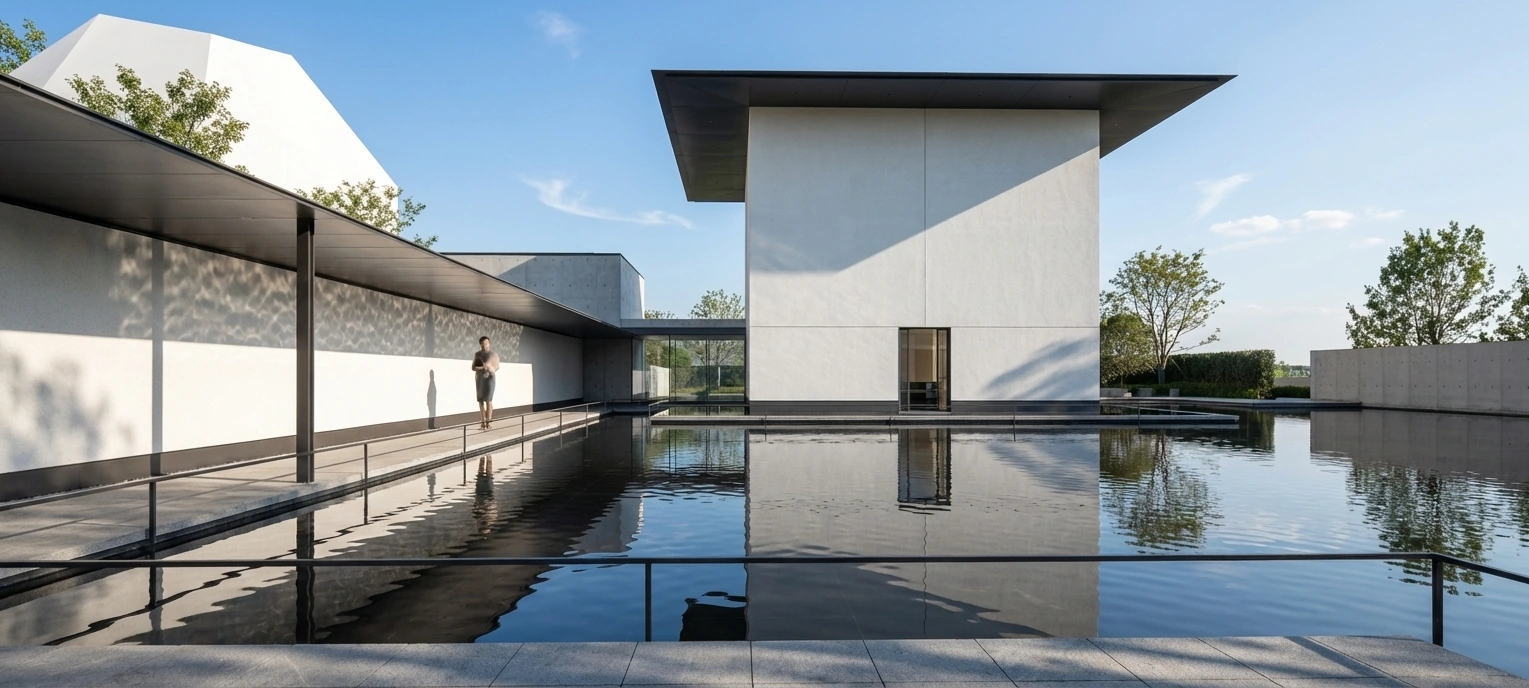
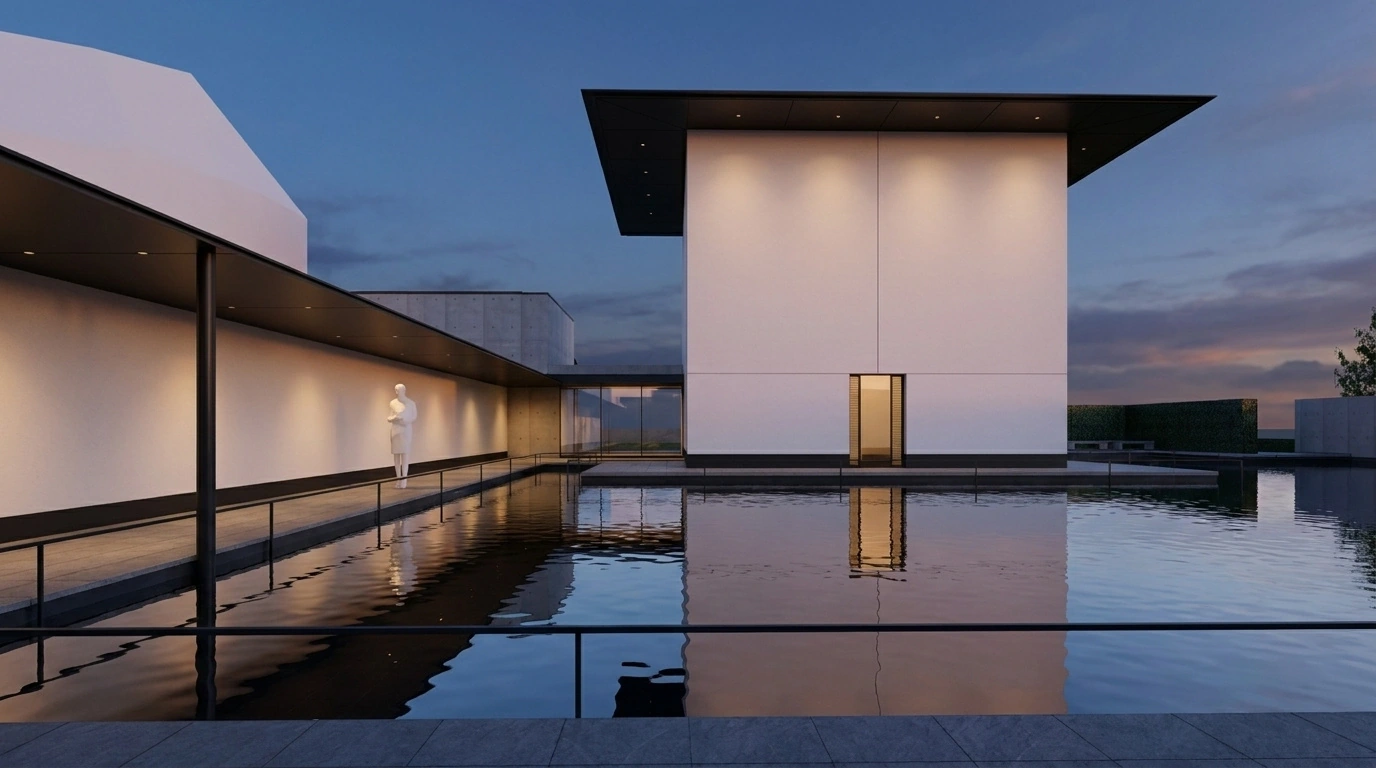
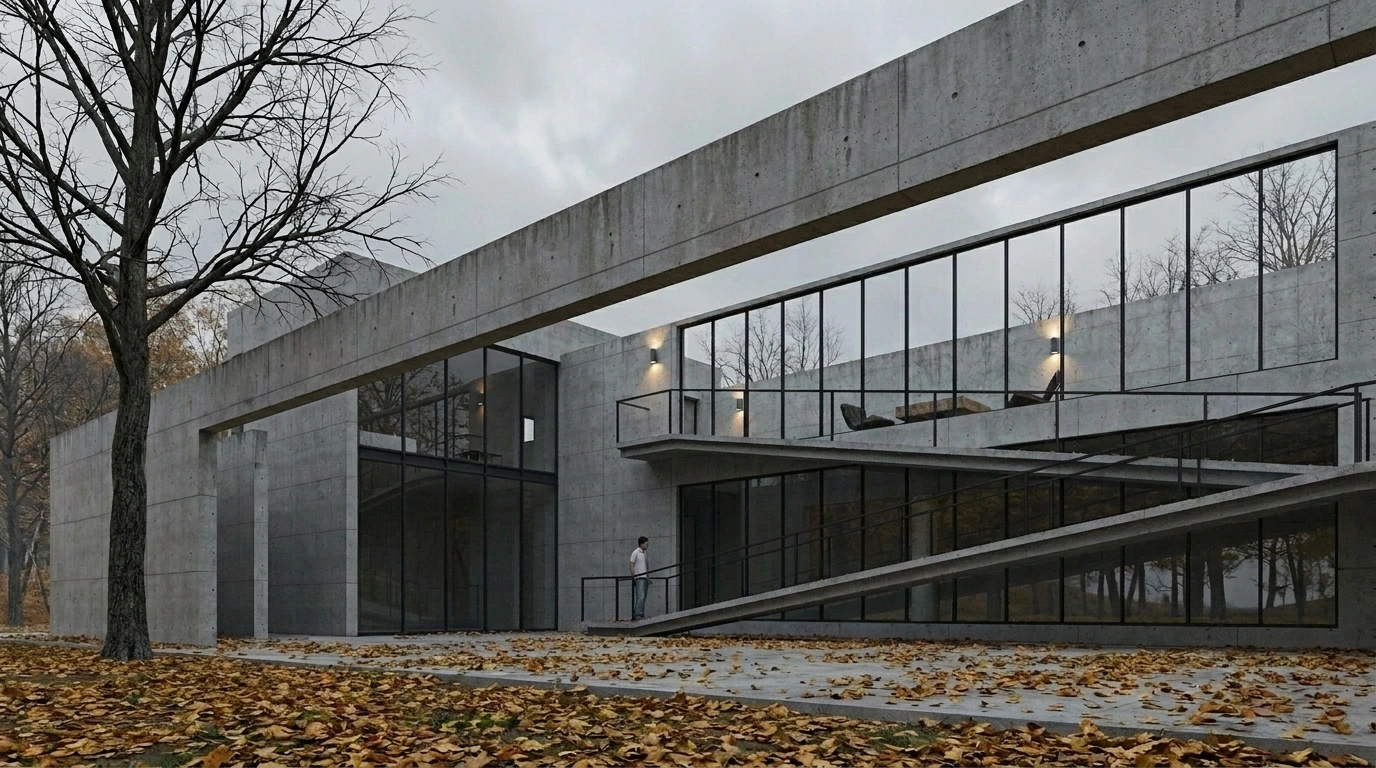
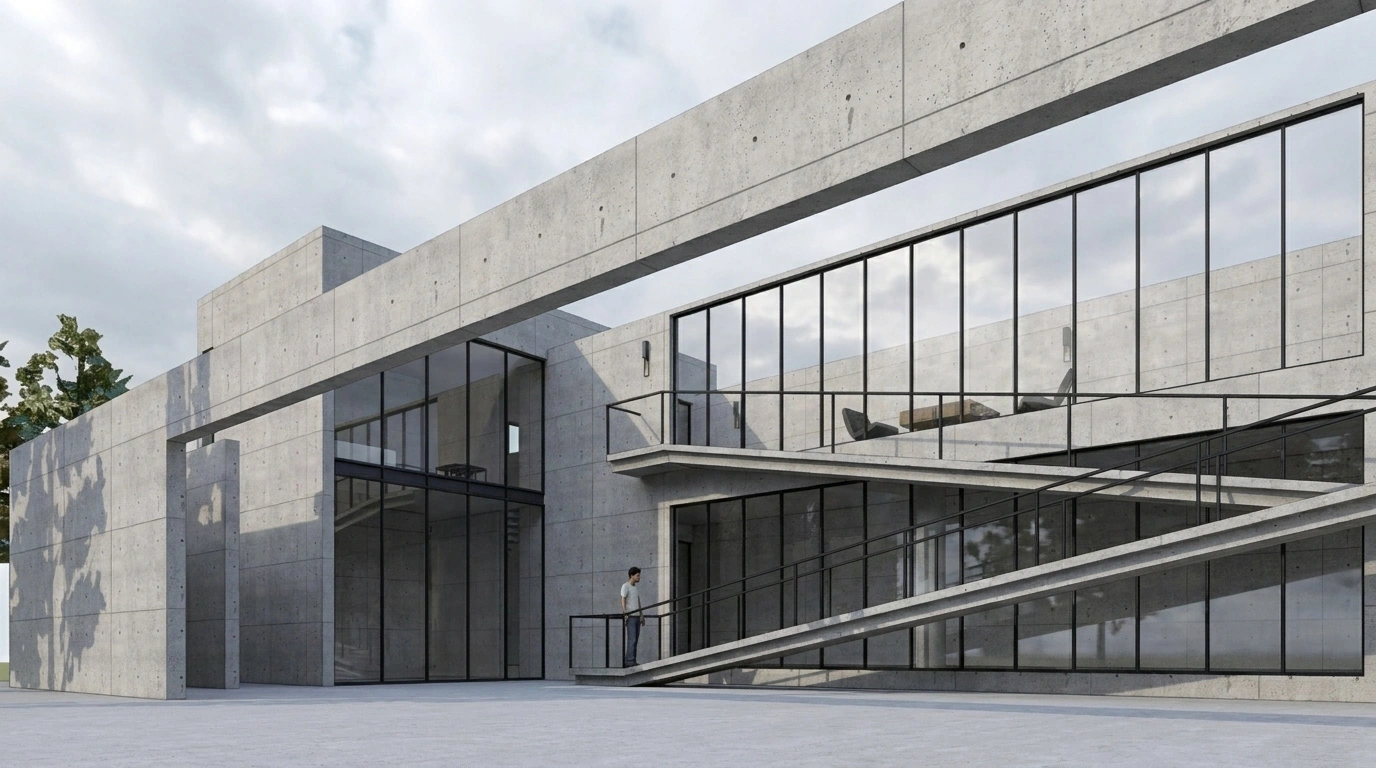
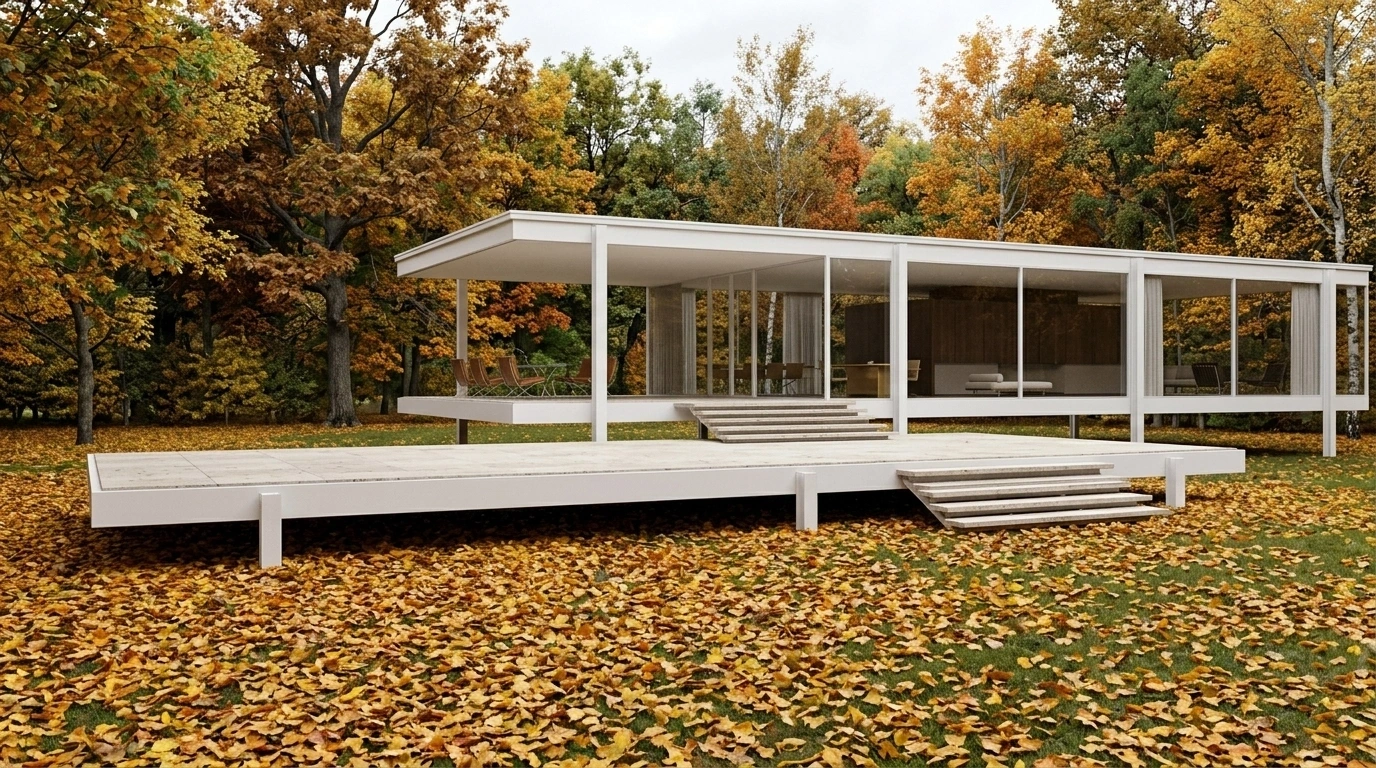
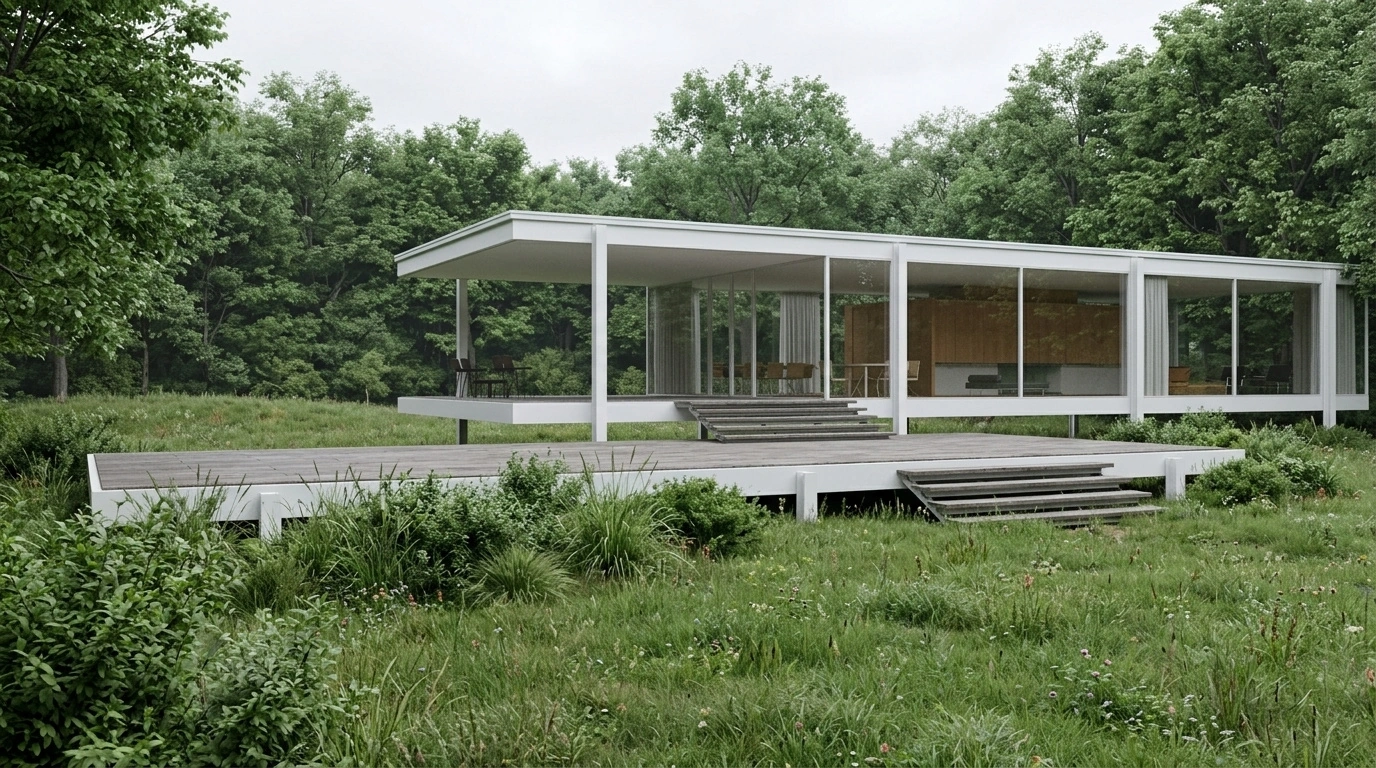
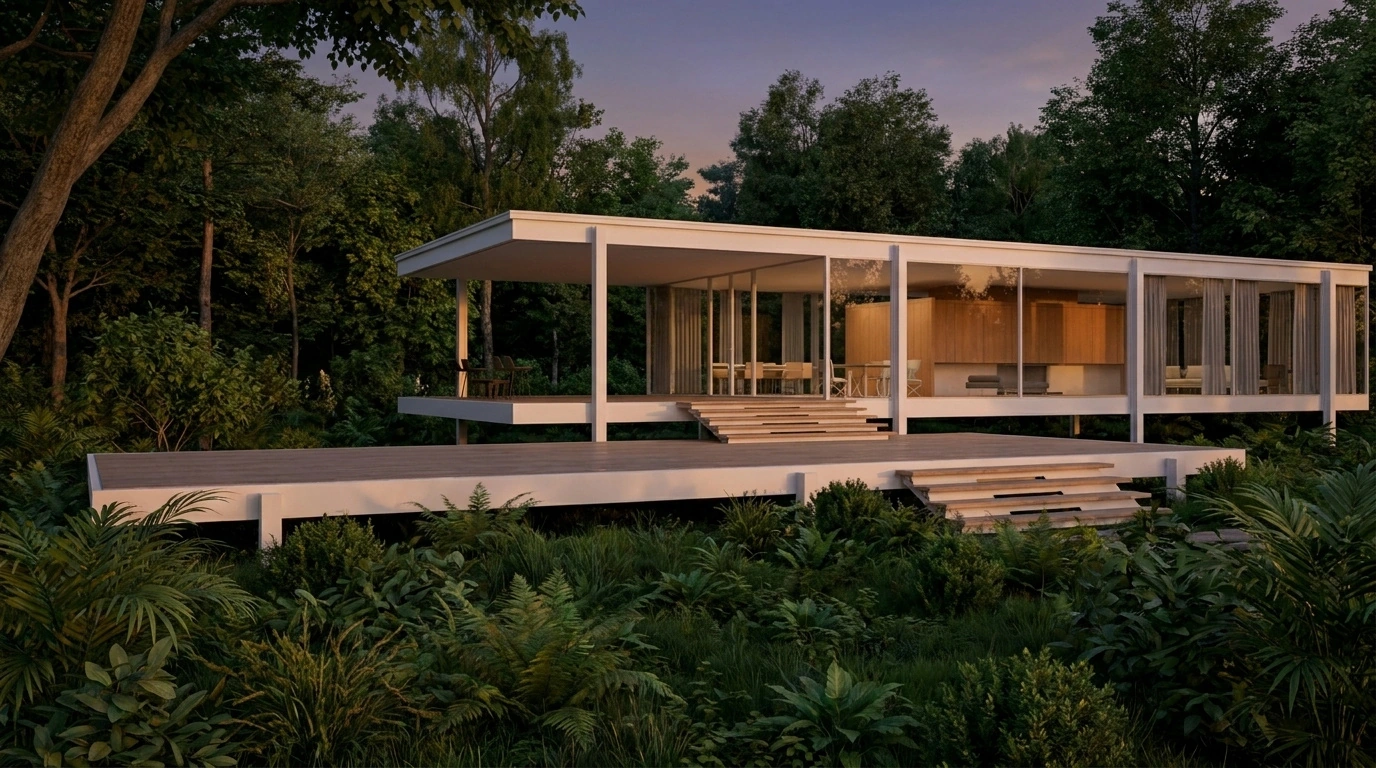
UPLOAD · REFERENCE · RENDER · ITERATE
Workflow
01
Upload your base
Upload a screenshot from SketchUp, Revit, Rhino or any 3D tool — plans, elevations or sketches work as structural input too.
02
Add a reference
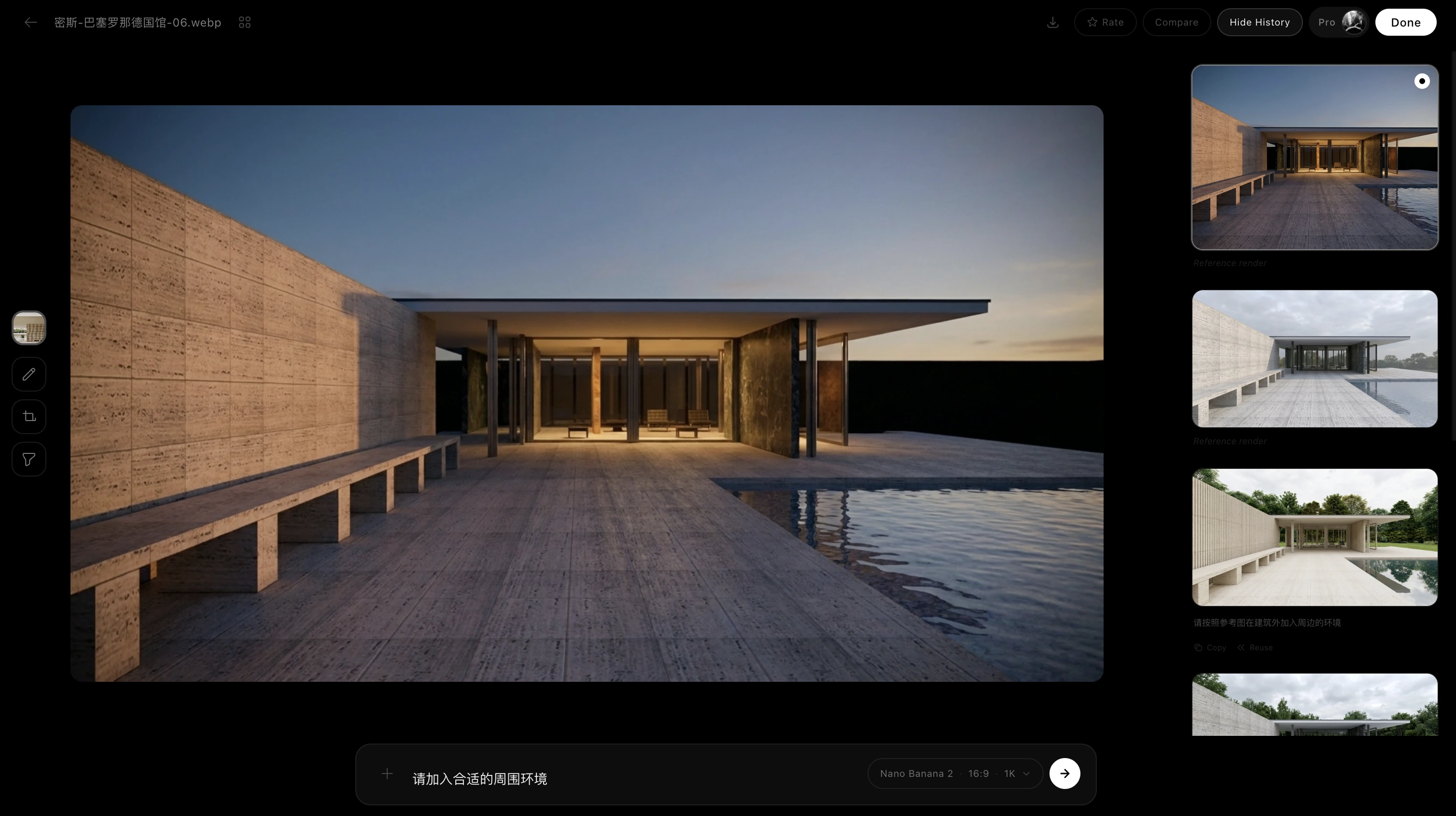
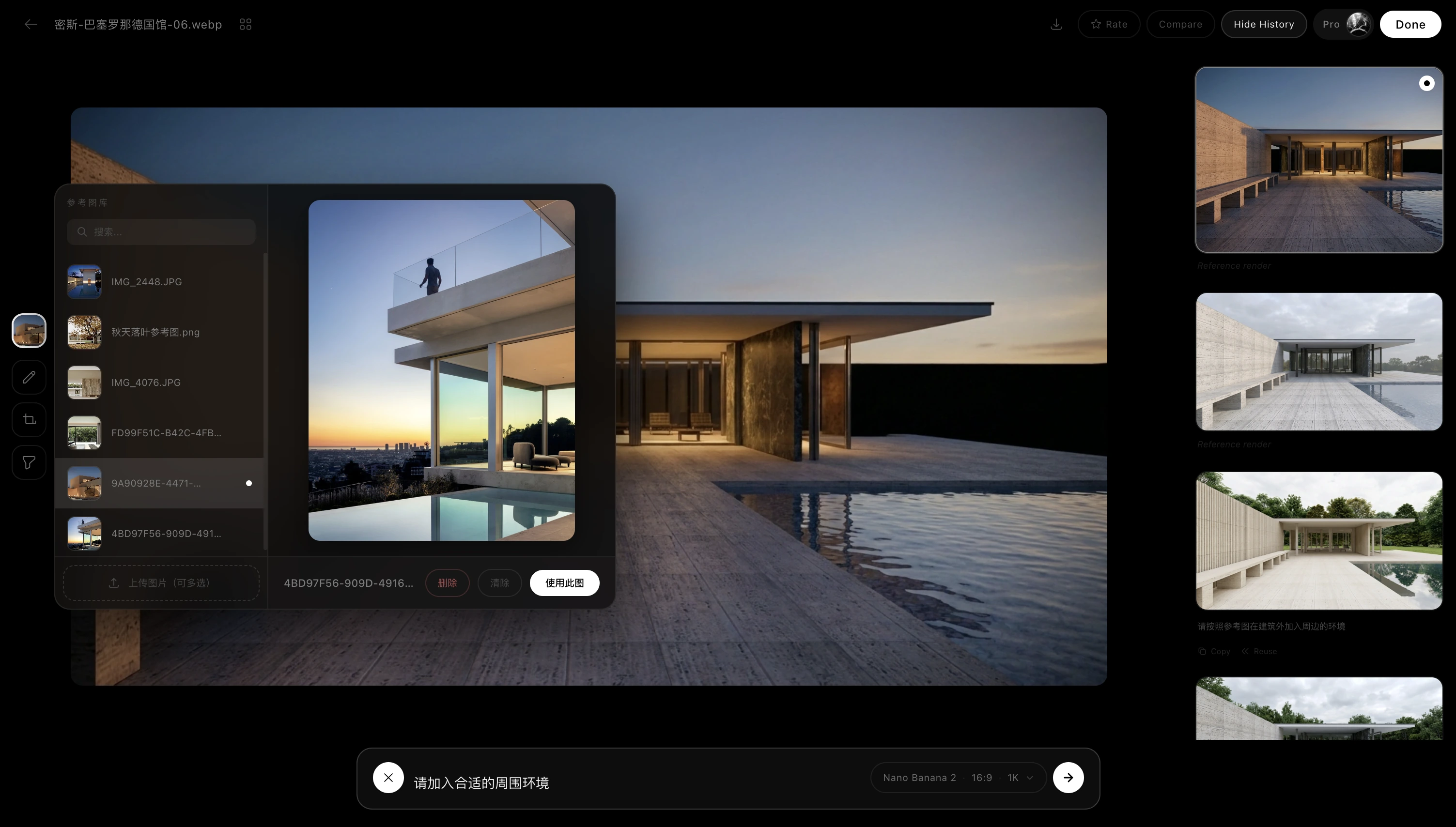
Upload the mood you want. The system reads its light, colour temperature, material reflections and emotion — no long prompts needed.
03
Multi-model pipeline
A preset model ensemble analyses your base structure and the reference mood, then runs consistency checks and automatic retries when needed.
04
Trace & refine
Renders, references and version history are archived automatically. Not happy with a result? Re-render, or enter the local-edit queue.
ARCHIVE · TRACE · REVISIT
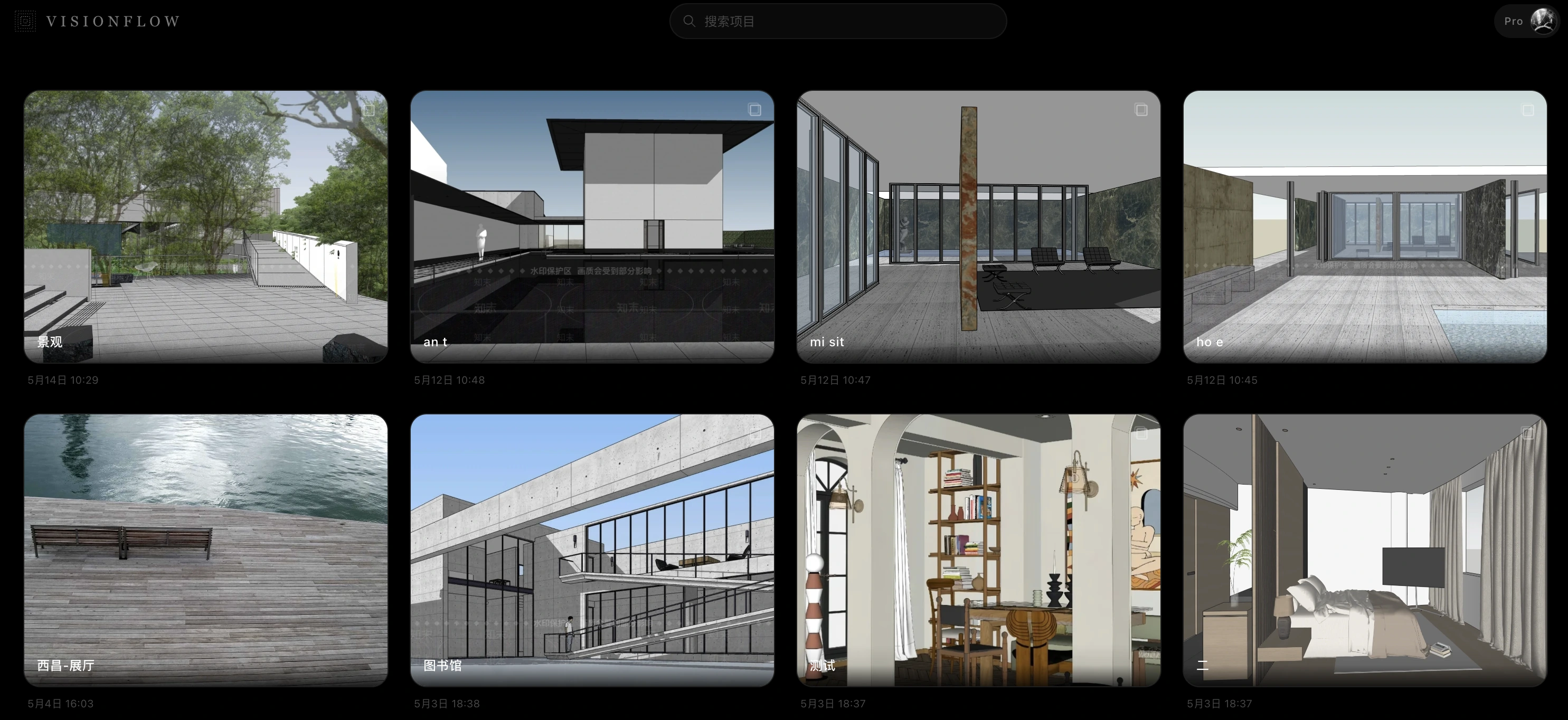
Projects — your personal asset hub in the cloud
A project isn't scattered images — it's a living archive that keeps growing
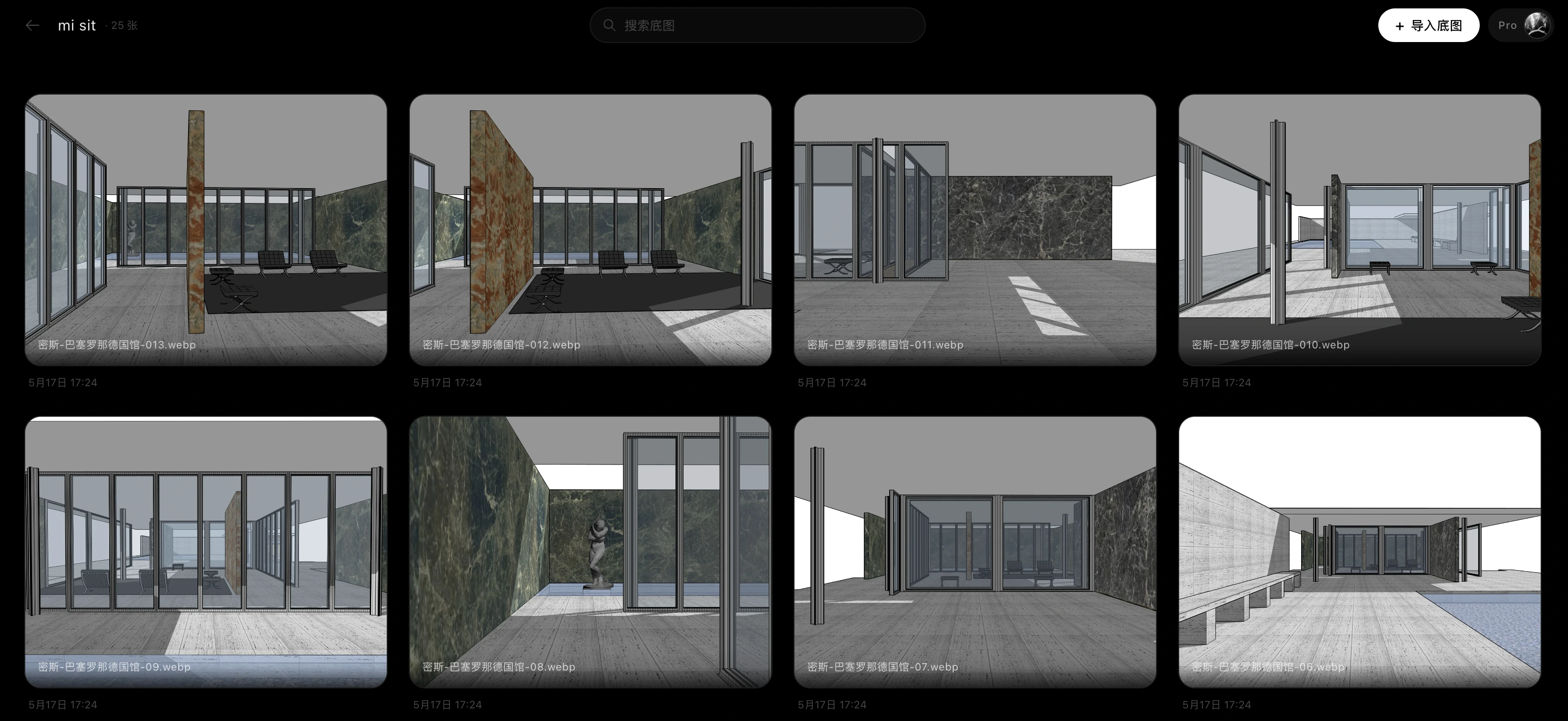
Every project has its own folder. Base images, references, renders and version history live in one context — easy to revisit, reuse and keep editing.
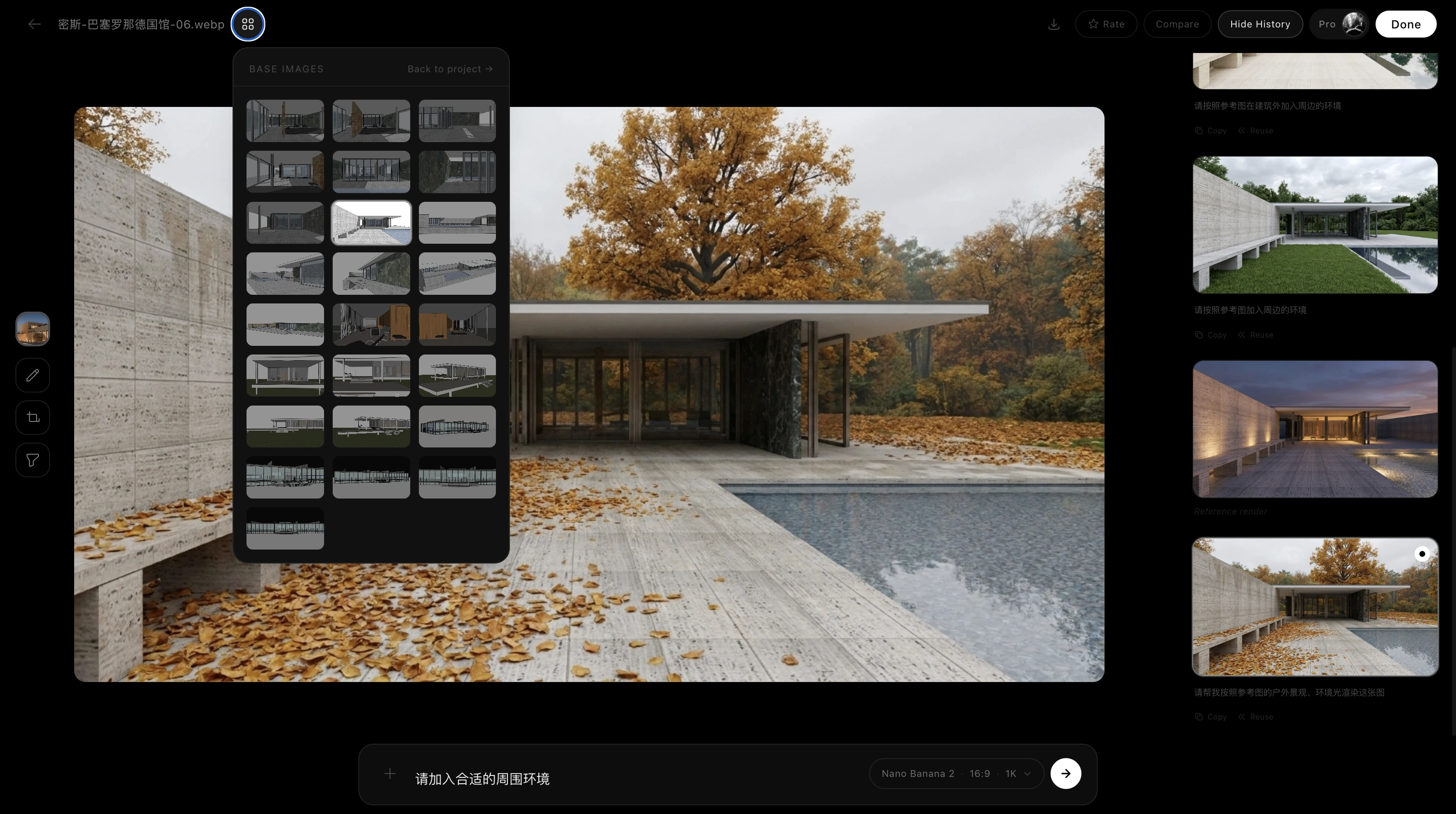
Every base image keeps a full render history you can return to
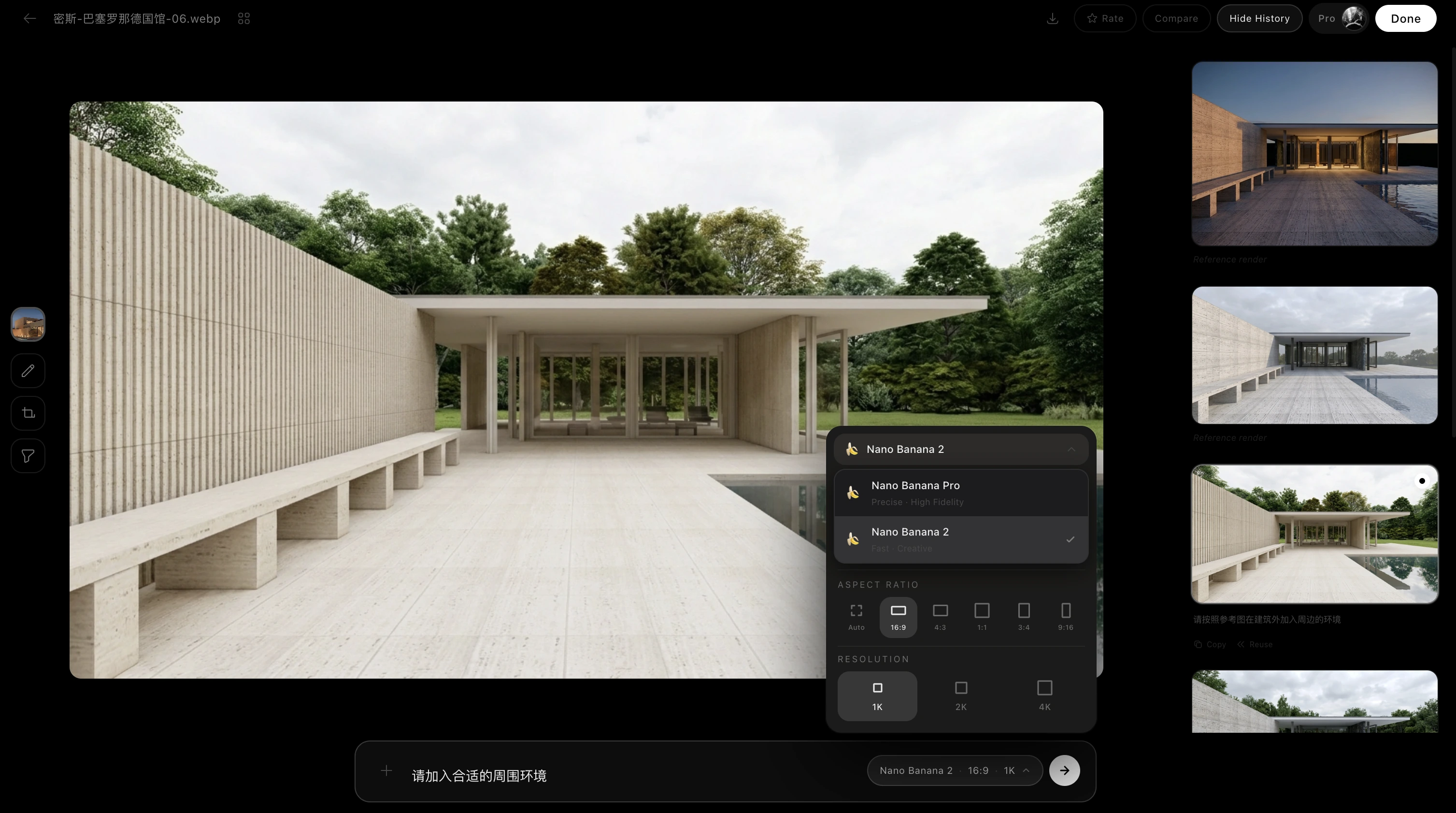
The result page keeps references, past renders, comparisons and the local-edit entry. Spot something off? Re-render, or open the edit queue to keep refining.
DISCOVER · IMAGINE · RENDER
Explore every possible light
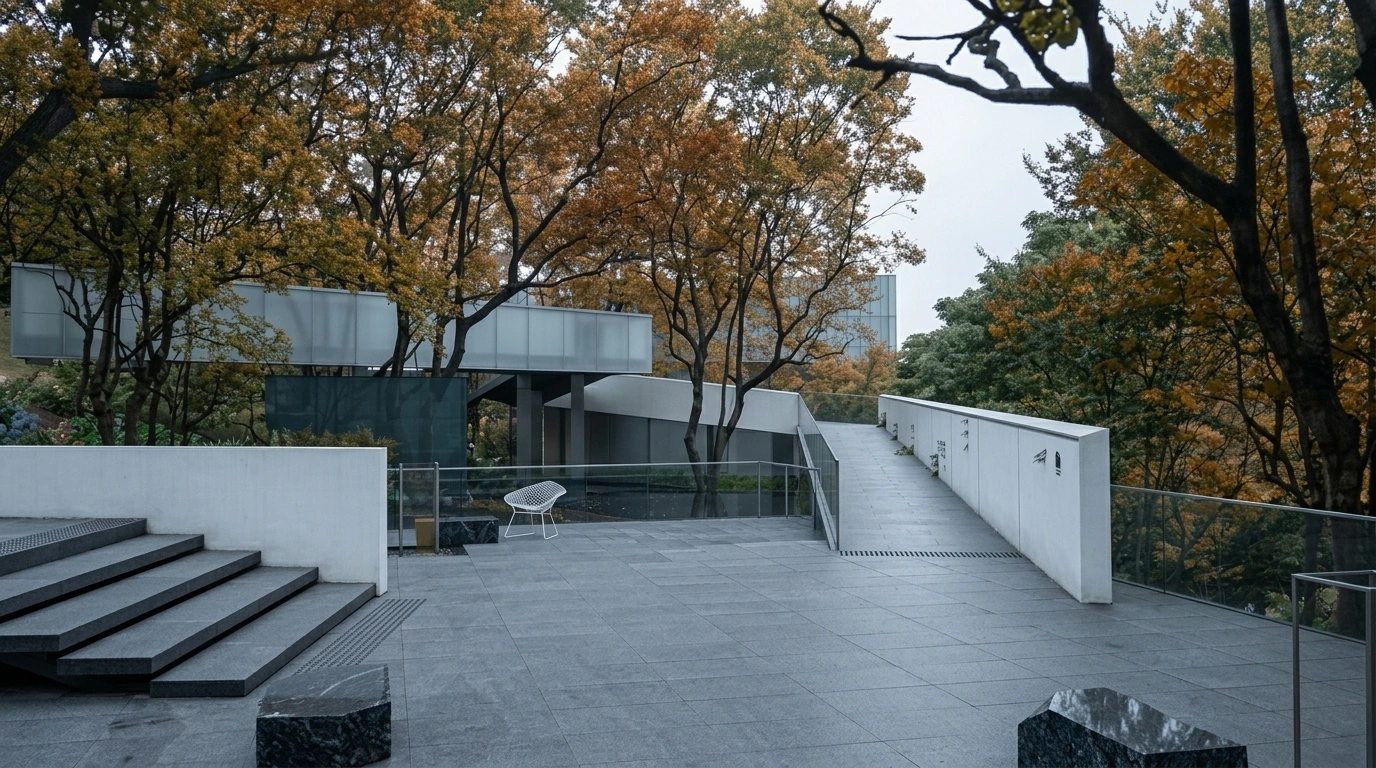
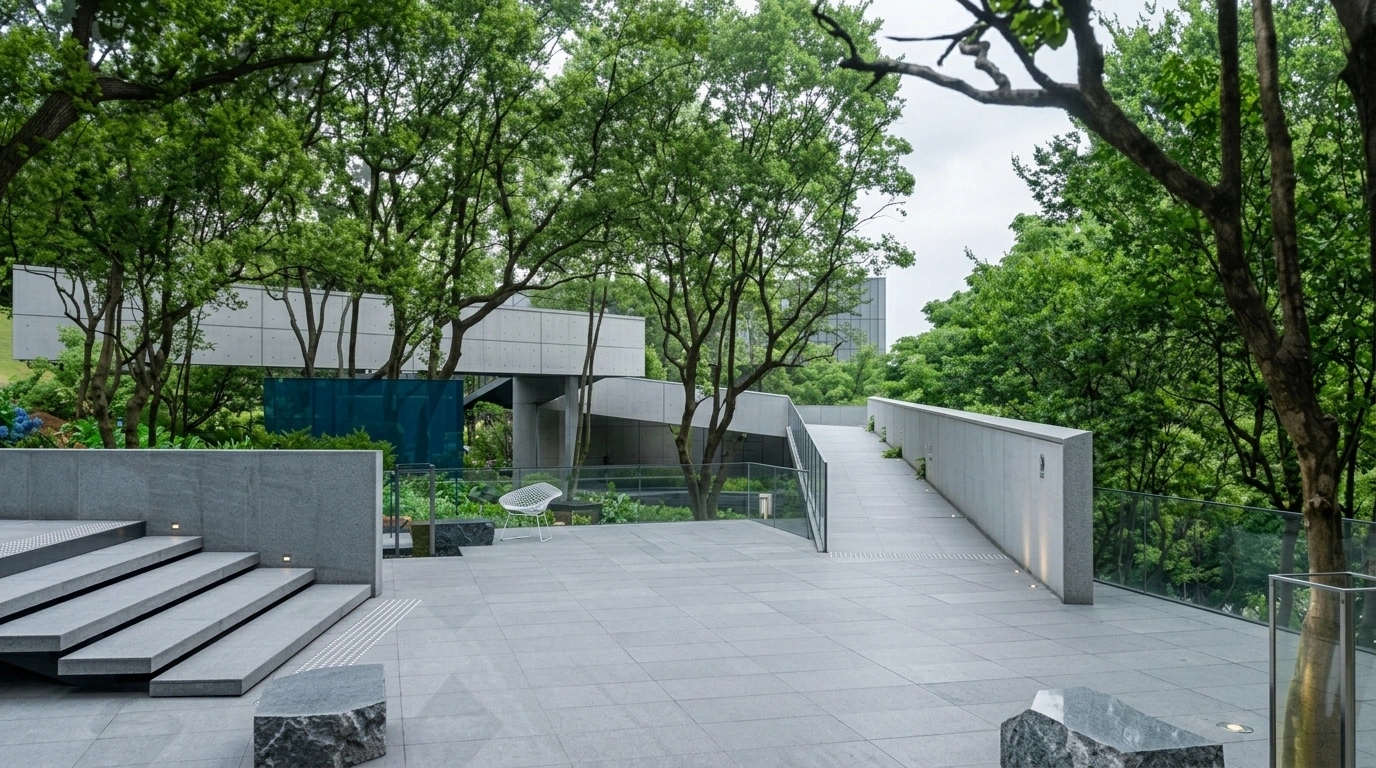
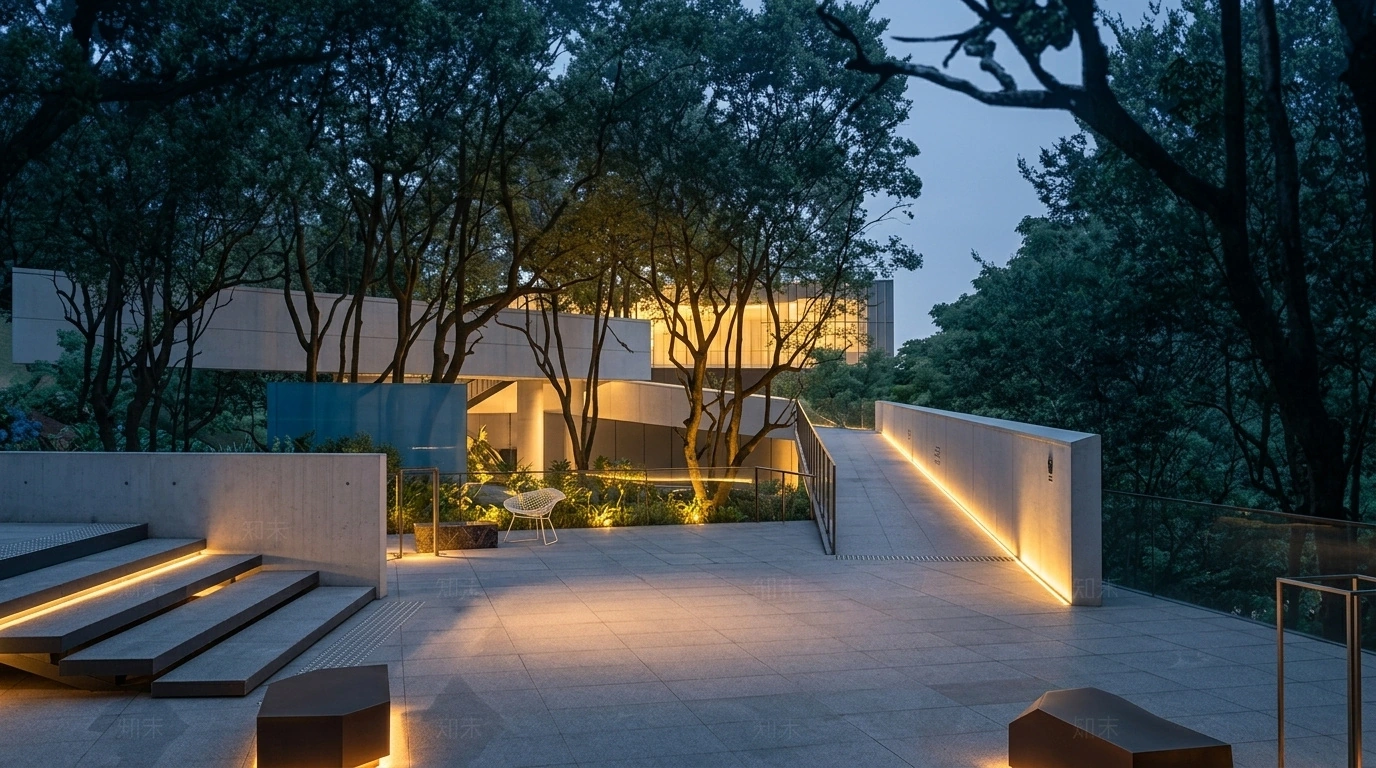
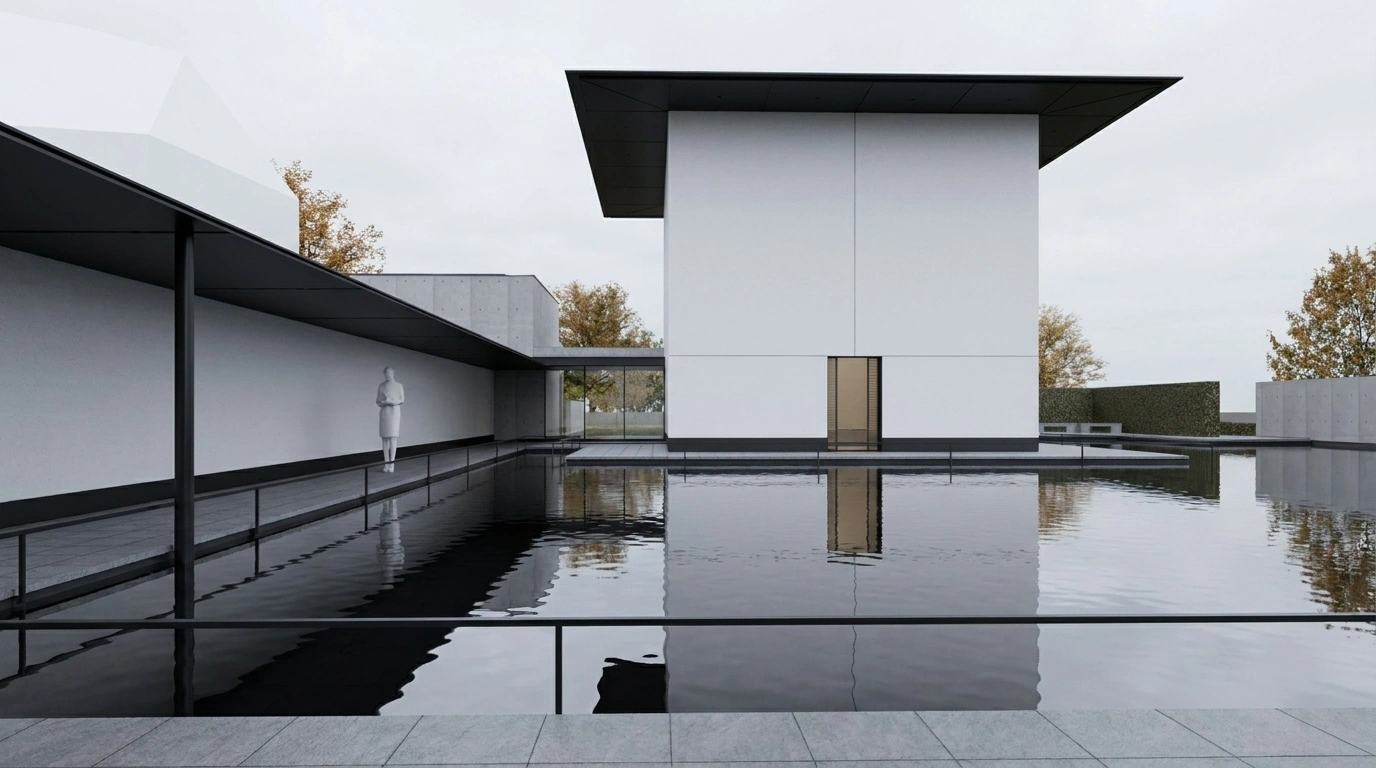
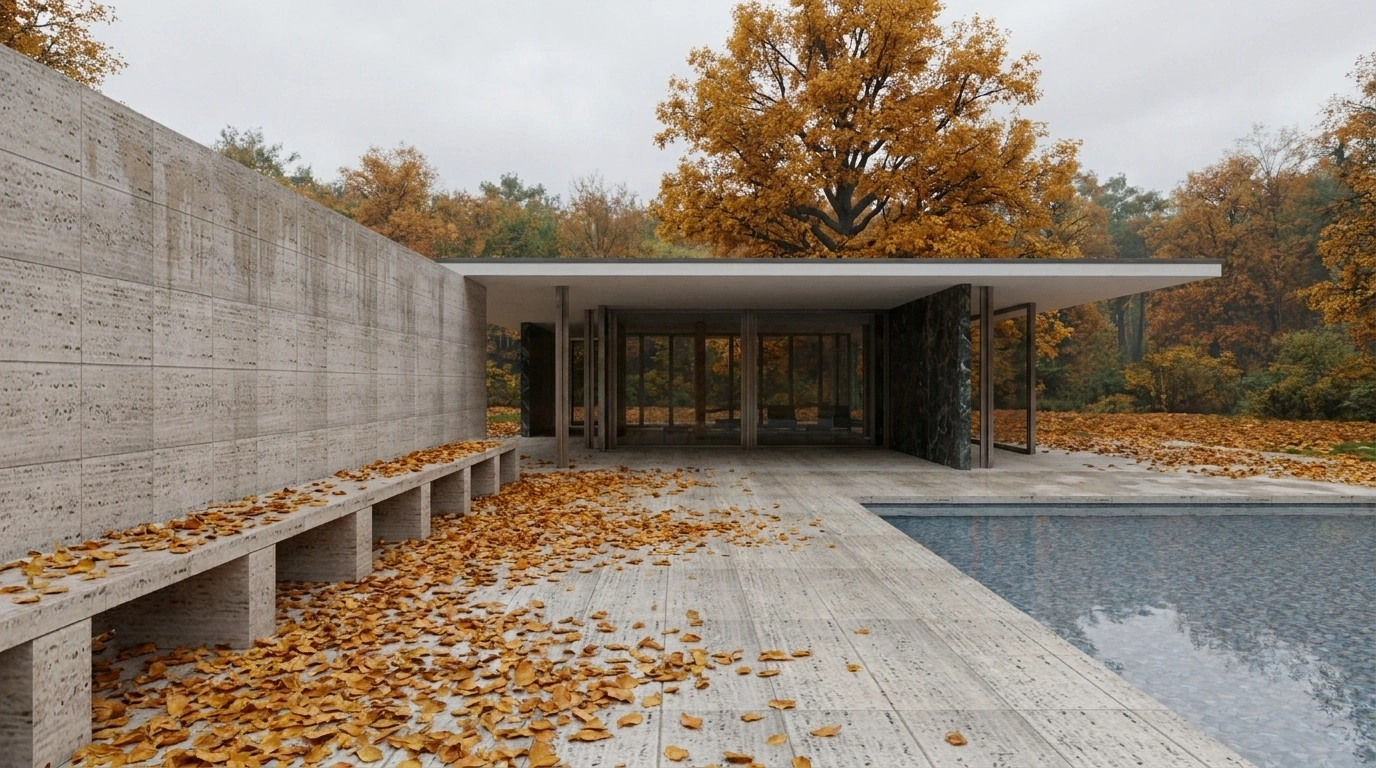
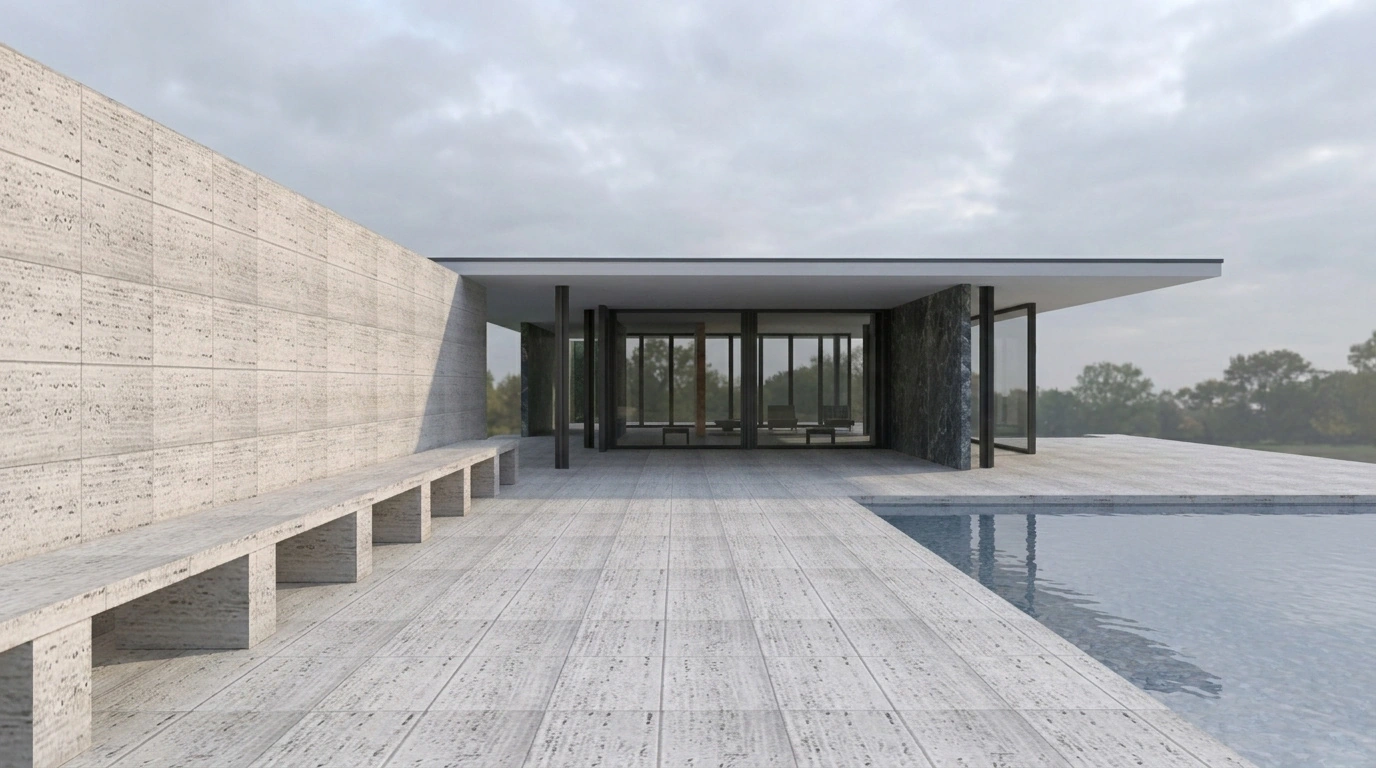
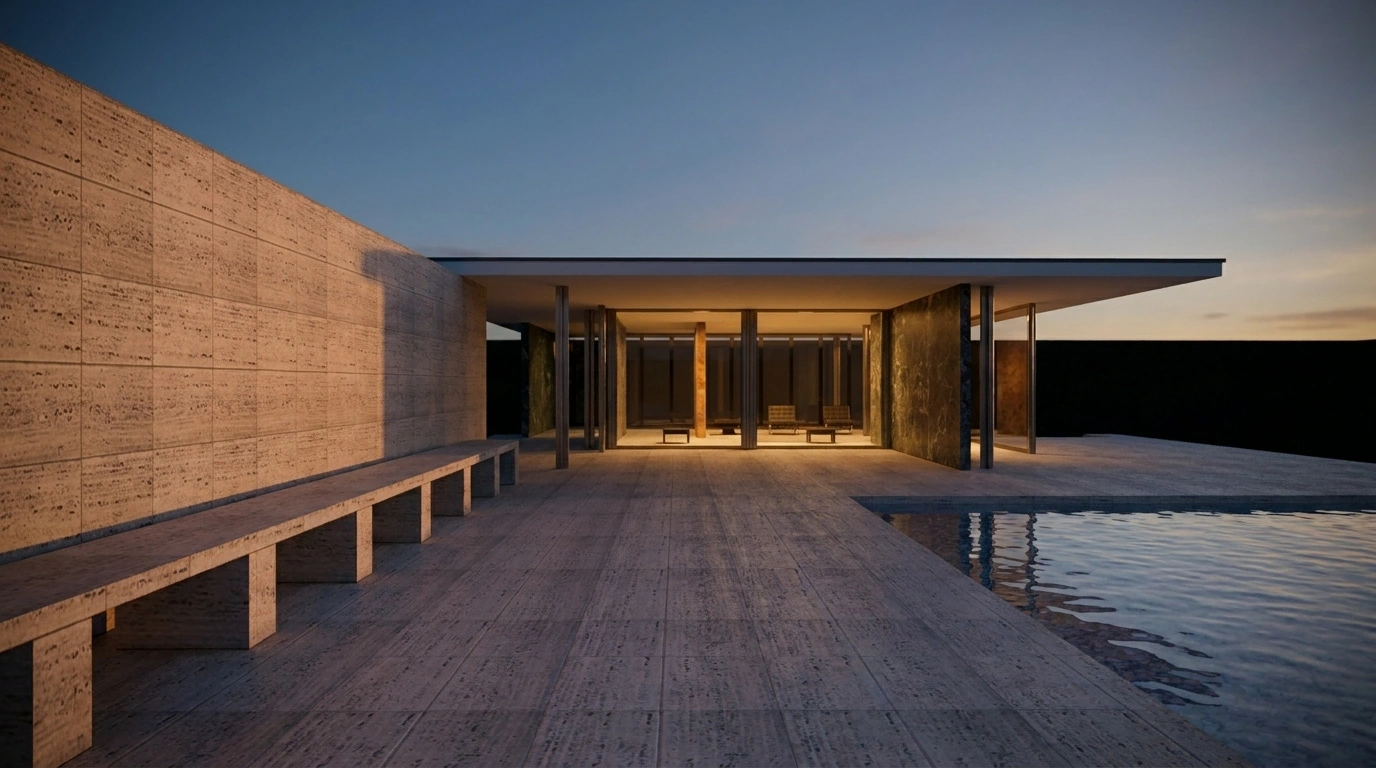
The same base can be dawn, or dusk. Switch to the base and see where the AI took it.
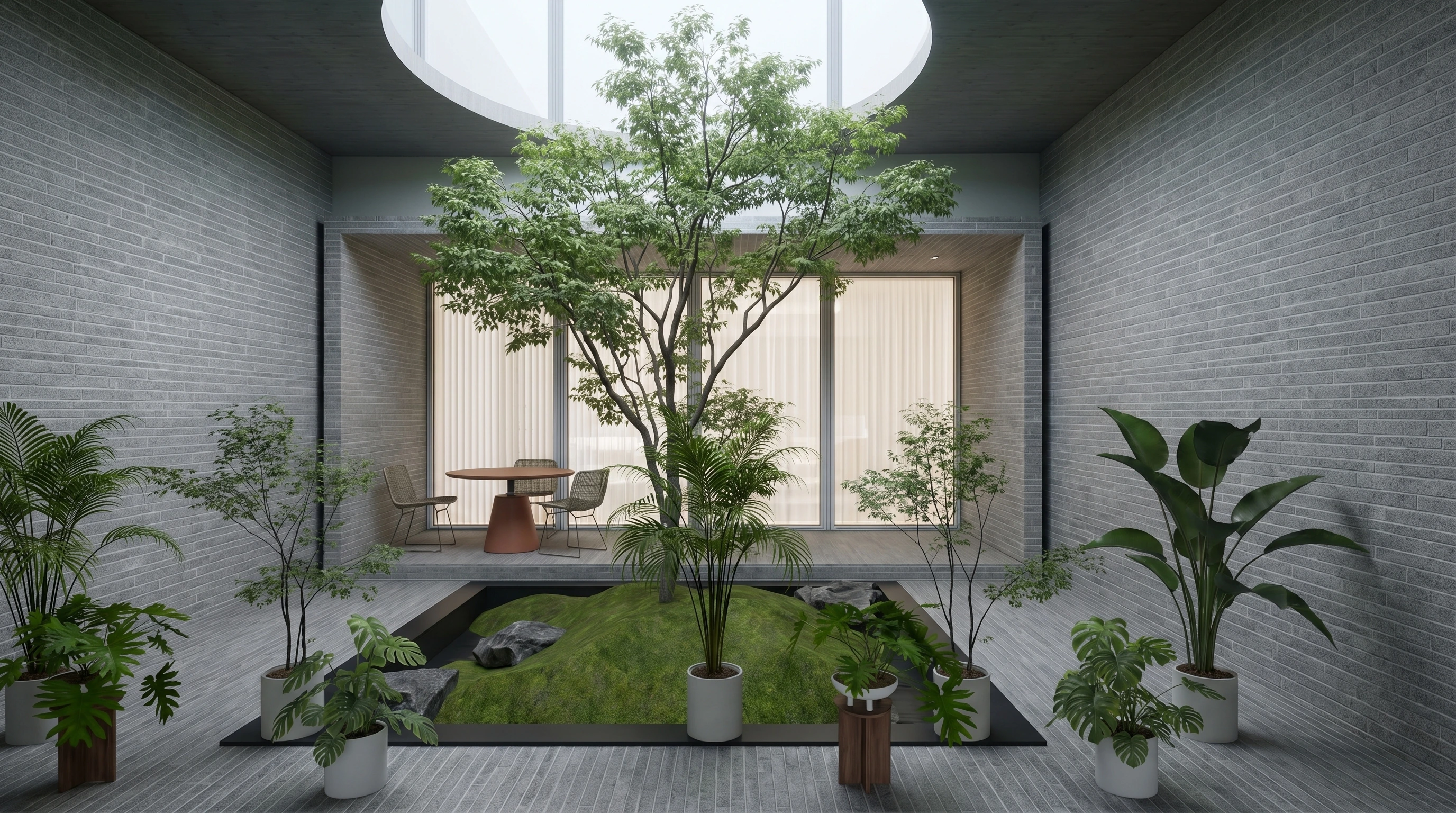
Mood of light — courtyard reimagined
Warm timber and reflective water
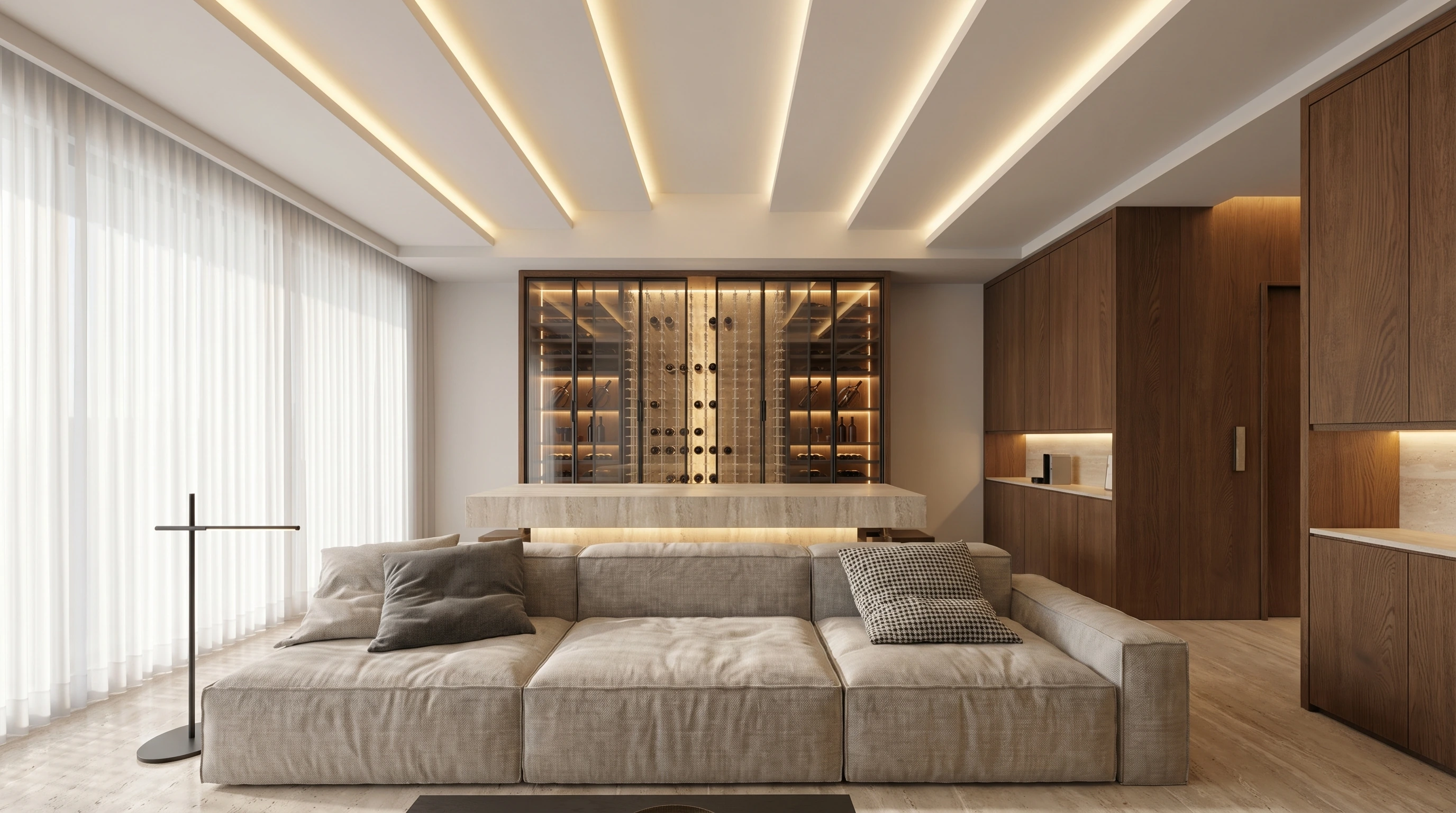
Order reimagined — minimal interior
Microcement diffusion and warm winter light
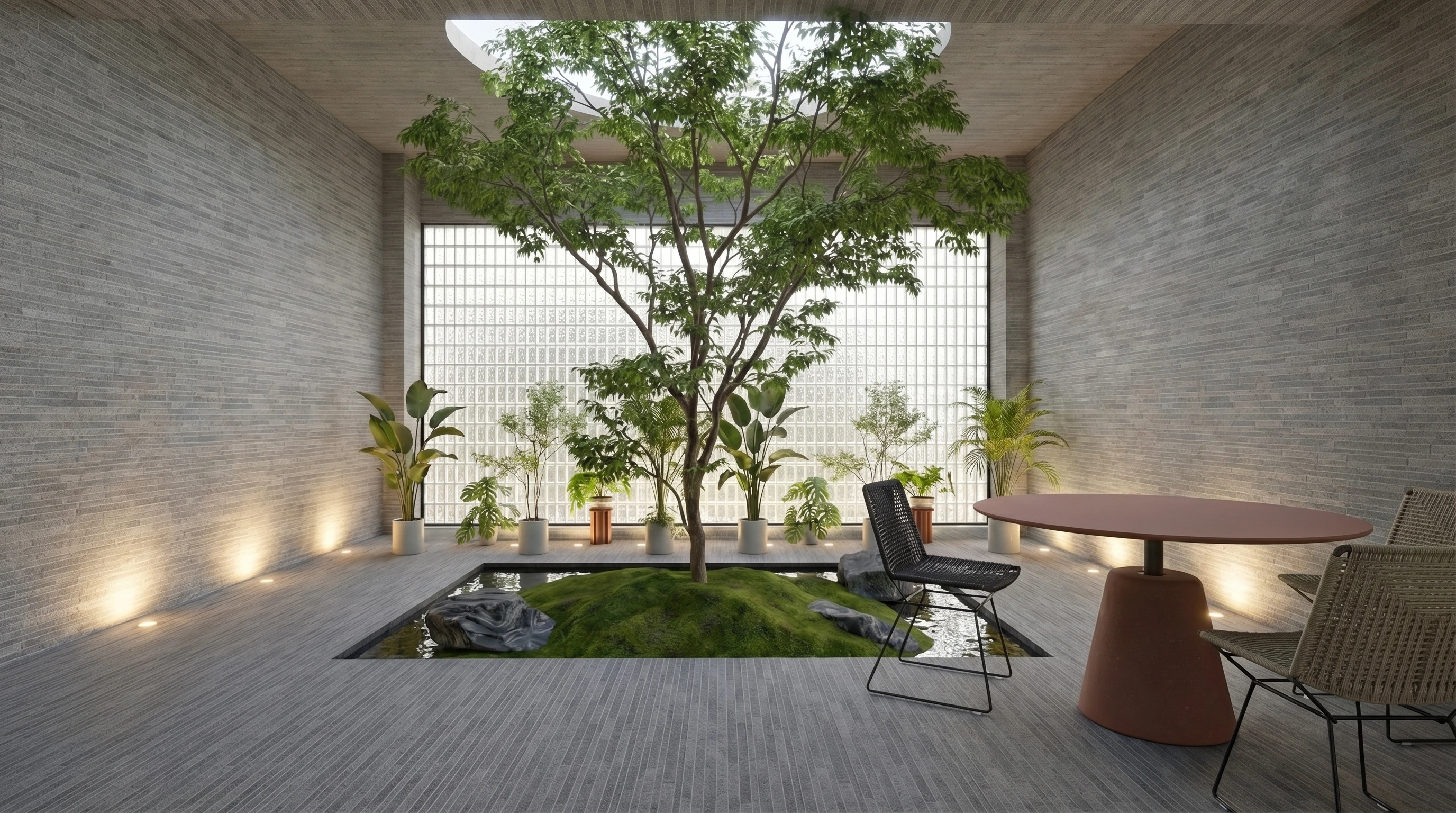
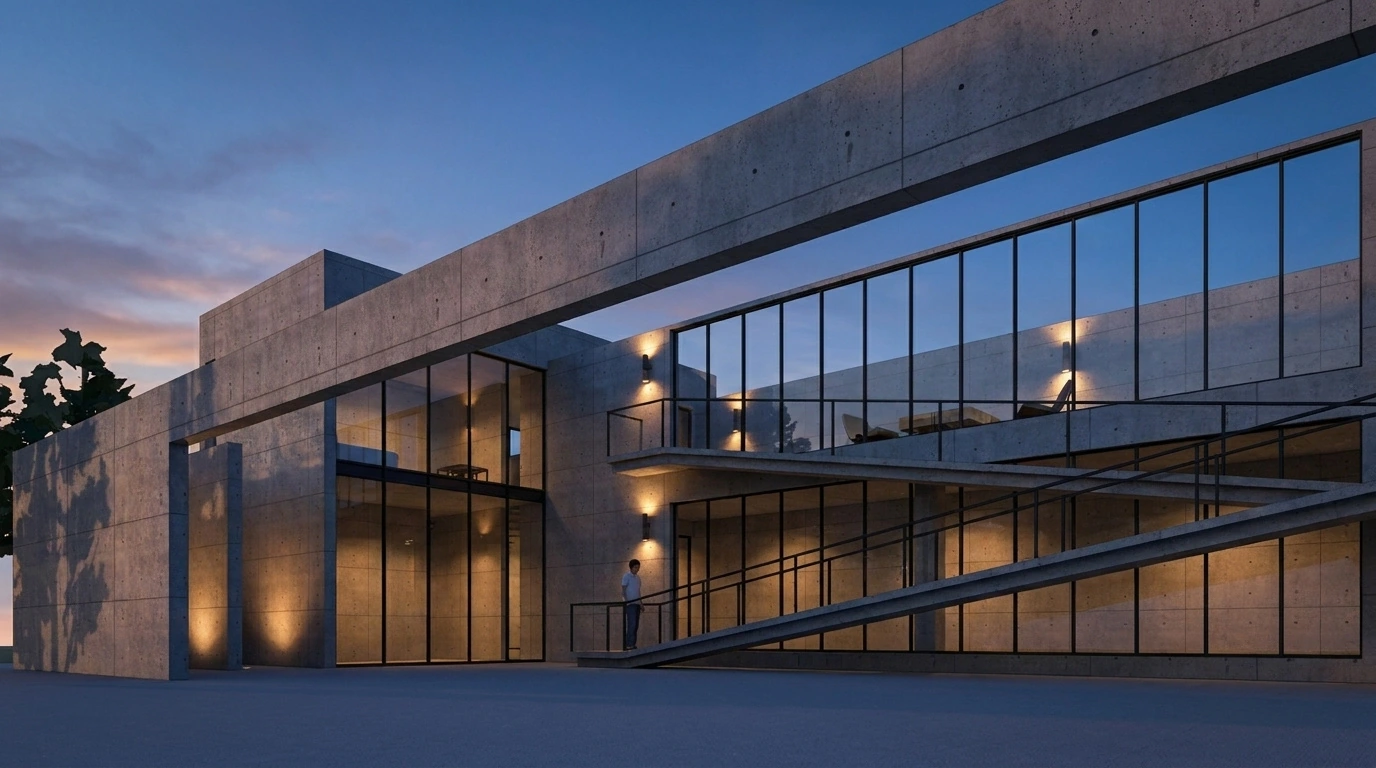
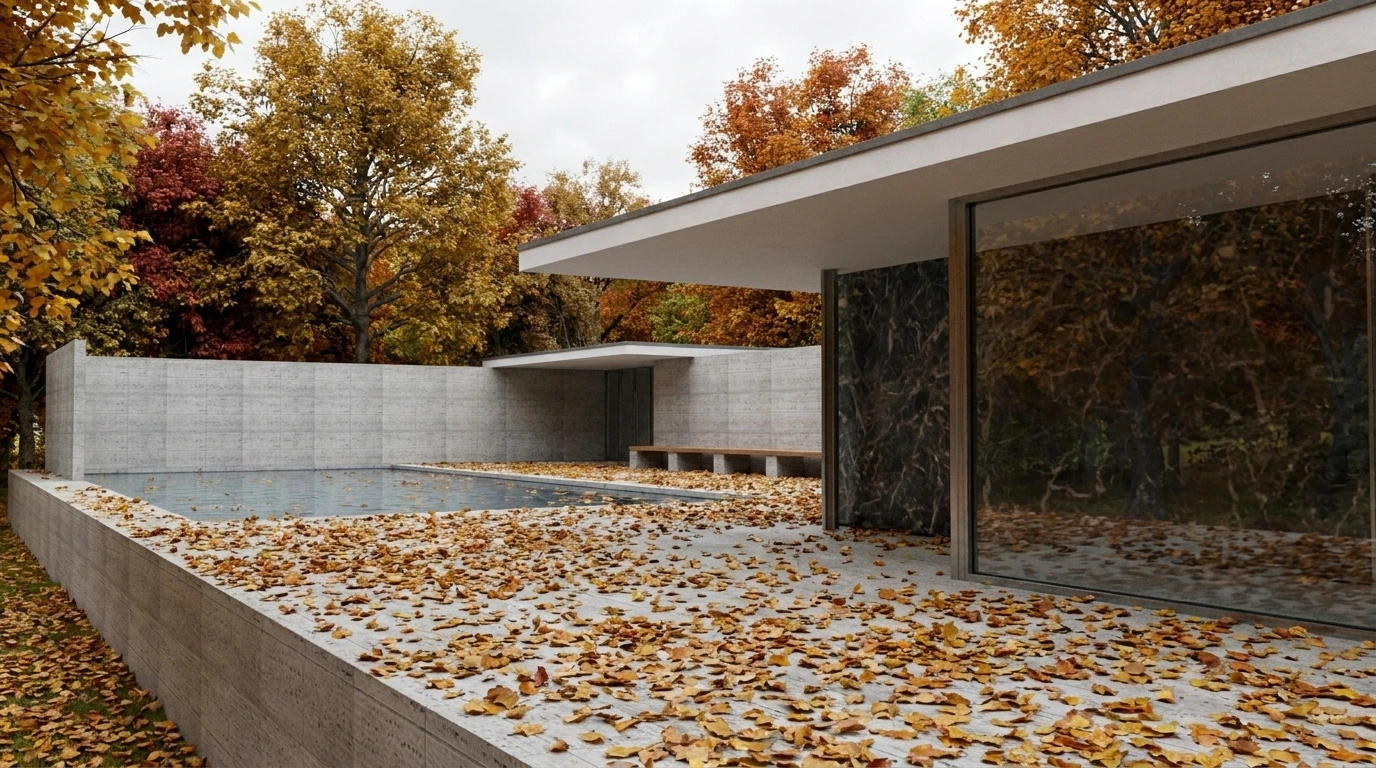
Structural facade — between hills and water
Fair-faced concrete and sunset glow
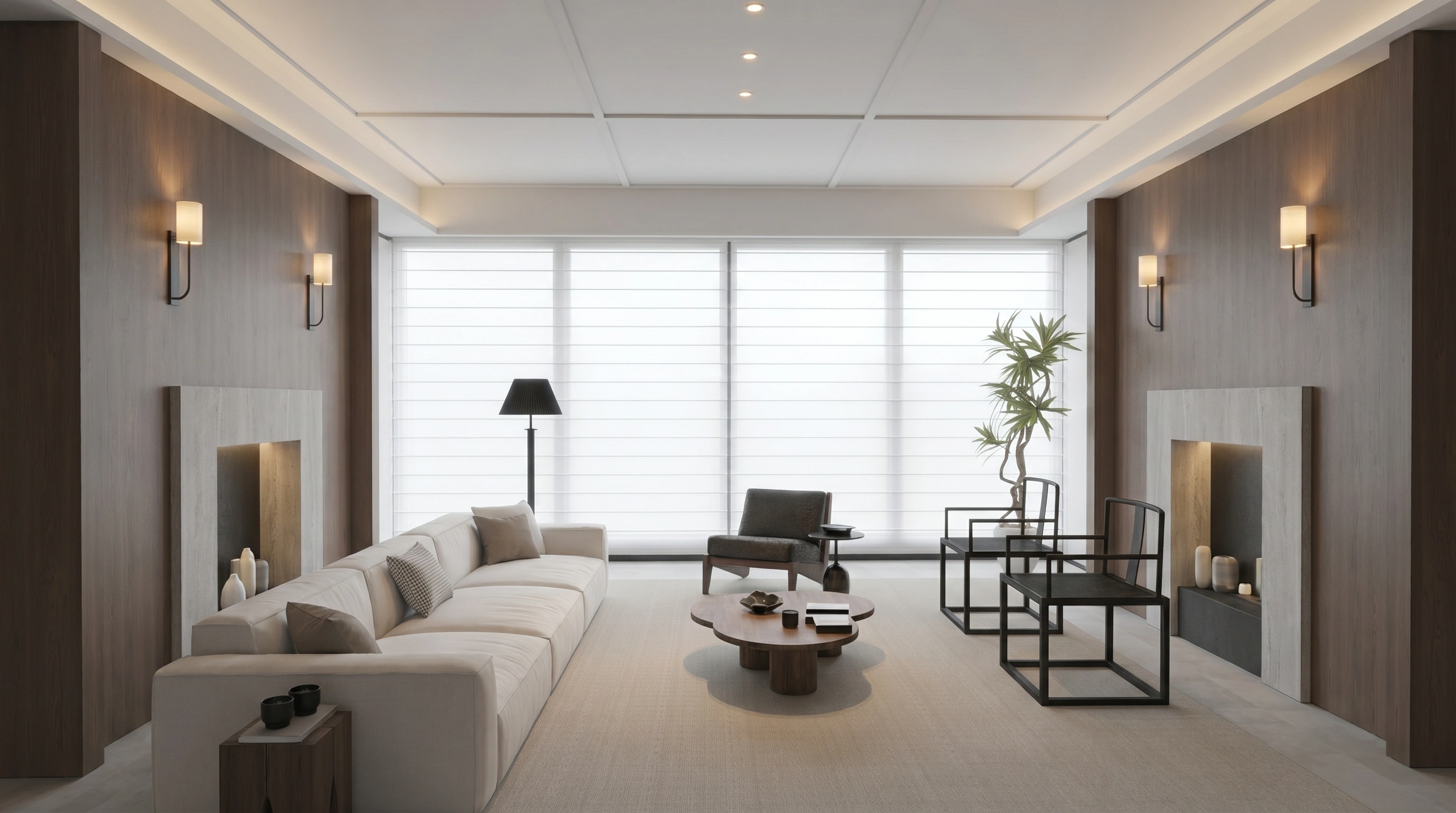
Order reimagined — material detail
Soft translucency and polished stone

Atmosphere study — conceptual space
Dramatic light and spatial narrative
Material study — abstract expression
Metallic texture and diffuse reflection
Real render output, no post-processing · Click to activate the image, then click again for a full-screen lights-off view
SIMPLE · TRANSPARENT · ONE-TIME
Simple, transparent, one-time
Software: one-time purchase, yours forever. Cloud: $85/year with 1st year included. Render costs billed directly by Google — pay only for what you use.
Free trial
5 renders
Try AI rendering
- 5 sponsored renders included
- Zero-setup: No API key needed for trial
- 1K & 2K fast render output
- 5 GB cloud storage & project workspace
Individual
Software lifetime Cloud: 1st yr incl.
Independent designers & small studios
- Lifetime software licence
- 20 GB cloud storage (1st year included, $85/yr renewal)
- Bring your own API key
- Unlimited renders
- High-resolution output (4K)
- Email support
Team (3 seats)
Software lifetime Cloud: 1st yr incl.
Small design teams
- 3 Lifetime software licences
- 20 GB cloud storage per seat (1st year included, $85/yr renewal)
- Bring your own API key
- Unlimited renders
- Isolated workspaces
- Email support
Studio (5 seats)
Software lifetime Cloud: 1st yr incl.
Mid-sized studios
- 5 Lifetime software licences
- 20 GB cloud storage per seat (1st year included, $85/yr renewal)
- Bring your own API key
- Unlimited renders
- Isolated workspaces
- Email support
Cloud service $85/year after 1st year — covers 20 GB storage, updates & support. Overage: $1.5/GB/yr.
API usage is billed directly by Google based on actual usage
Prices in US Dollars (USD)
Prices in USD. Localized pricing in CNY automatically applied for China.
QUESTIONS · ANSWERED
What you want to know, answered straight
ChatGPT helps you generate one image. VisionFlow Pro helps you manage an entire design project. If you occasionally play with AI images, ChatGPT or Gemini are enough. But if you're a designer making proposals, comparing versions, saving references, and managing project materials daily, general-purpose AI tools get messy fast. VisionFlow Pro is not a replacement for Gemini — it's a professional workflow that locks your structural base (e.g. SketchUp export) and only alters lighting and materials from your reference. Every base image, reference, render, and edit is archived in organised project folders with full version history — turning AI from a random image generator into a reliable, traceable, reusable professional asset hub.
For the best edge detection and final image quality, we strongly recommend exporting a 2K-resolution, 16:9 PNG from your 3D software (such as SketchUp). PNG is lossless and avoids the JPG noise that can throw off the AI's perspective-line detection. For day-to-day design exploration, 1K or 2K renders cover almost all presentation needs; for final delivery, you can download a 4K high-resolution image.
Your one-time payment is a lifetime licence for the VisionFlow Pro client software — it covers running the local app, personal cloud project management, and the development and maintenance of the consistency control-net engine. The actual rendering runs on Google's Gemini AI models. Following a fair "pay for what you use" principle, the model-call cost of each render is settled directly with Google through the personal API key you configure in Google AI Studio — with no middleman markup. This is the arrangement that best serves designers in the long run.
VisionFlow Pro uses multi-channel control and consistency checks to preserve the base image's geometric perspective, spatial proportions and main structural relationships as much as possible. But AI generation is inherently probabilistic, so we can't promise every single image is flawless. The system runs automatic checks and retries in the background to raise the odds of a satisfying result on the first try. If you're not happy with a result, just re-render, or use the built-in local-edit feature to fix specific areas.
Every licence includes the first year of cloud service (20 GB storage, project sync, and updates) at no extra cost. Starting year 2, cloud service renews at ¥600/year per seat. If storage exceeds 20 GB, overage is billed at ¥10/GB/year. If cloud renewal lapses: your account enters a 30-day read-only mode (you can view and download projects, but cannot upload or render). After 30 days without renewal, files beyond the 20 GB base are cleared — but your 20 GB base quota and lifetime software licence are never affected. You can resume full cloud service at any time by renewing.
The Individual plan is a single-seat personal licence — one device online per account at a time. For team collaboration, choose the Team plan (3 seats) or Studio plan (5 seats). Each seat is a fully isolated, independent account with its own 20 GB cloud drive and project library — nothing is shared between them. For 10+ users, contact sales for enterprise pricing.
You own the renders and their commercial rights — use them for design proposals, bids, portfolios or marketing. On refunds: We offer a 14-day money-back guarantee in compliance with our payment providers' policies. If you are unsatisfied, you can request a full refund within 14 days of purchase, upon which your licence will be deactivated.
Ready to control your next render with a reference image?
7-day free trial, no credit card, no render software to install. Please make sure it fits your workflow before you buy.